

Why Is My GPS Watch Losing Signal Indoors? A Premium Guide to Understanding and Optimizing GPS Performance
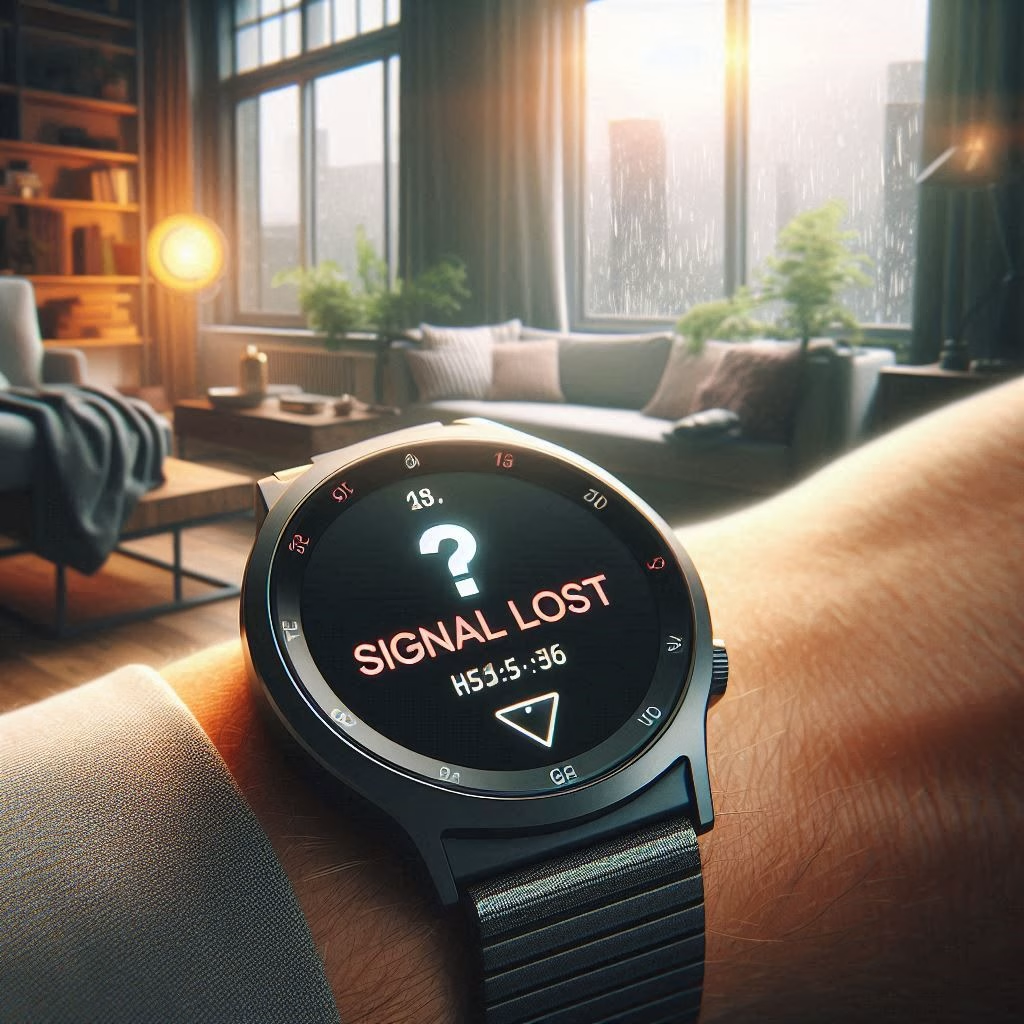
If you’ve ever laced up your running shoes, stepped outside, and waited impatiently for your GPS watch to “find satellites,” you’re not alone. And if you’ve tried using your GPS watch indoors—only to find it struggling or failing to lock onto a signal—you’ve likely asked the question: Why is my GPS watch losing signal indoors?
This comprehensive guide breaks down the science behind GPS technology, the environmental and technical factors that affect signal strength, and how you can improve your device’s performance. Whether you’re a runner, cyclist, hiker, or data-driven fitness enthusiast, understanding how your GPS watch works will help you get the most out of it.

🛰️ How GPS Works: A Quick Primer
GPS (Global Positioning System) relies on a constellation of at least 24 satellites orbiting approximately 20,000 kilometers (12,500 miles) above Earth. These satellites continuously transmit signals containing their location and the exact time.
Your GPS watch receives these signals and calculates your position using a method called trilateration, which requires signals from at least four satellites to determine your precise location in three dimensions (latitude, longitude, and altitude).
Key point: GPS signals are radio waves—specifically, low-power microwave signals—that travel in straight lines and are easily blocked or reflected by solid objects.
🏠 Why GPS Watches Struggle Indoors
1. Obstructed Line of Sight
GPS signals are designed for open-sky environments. Indoors, your watch is surrounded by walls, ceilings, and roofs—all of which block or weaken the signal. Even glass windows can reflect or distort signals, especially if they’re coated with metal-based films.
2. Signal Attenuation
Materials like concrete, brick, metal, and even dense wood absorb or scatter GPS signals. The more layers between your watch and the sky, the weaker the signal becomes. This is why GPS performance is worse in basements, high-rise buildings, or urban environments with thick infrastructure.
3. Multipath Interference
When GPS signals bounce off surfaces like walls or ceilings before reaching your watch, they create multipath errors, confusing the device and reducing accuracy. This is especially common in indoor gyms or near large metal structures.
4. Electronic Interference
Indoor environments are filled with Wi-Fi routers, Bluetooth devices, microwaves, and other electronics that emit electromagnetic signals. These can interfere with your GPS watch’s ability to receive clean satellite data.
🧭 What Happens When Your Watch Loses Signal?
When your GPS watch can’t maintain a strong satellite connection:
- It may stop tracking your location or show erratic movement.
- Distance and pace data become inaccurate or frozen.
- It may default to accelerometer-based tracking, which estimates movement based on wrist motion (less accurate).
- Some watches may pause the workout or display a “searching for GPS” message.
🛠️ How to Improve GPS Accuracy Indoors and Near Buildings
While GPS isn’t designed for indoor use, there are ways to optimize signal acquisition and minimize frustration:
1. Start Your Activity Outdoors
Before entering a gym or building, start your workout outside with a clear view of the sky. Once your watch locks onto satellites, it can often maintain a better signal indoors—at least for a short time.
2. Use Assisted GPS (A-GPS)
Many modern GPS watches use A-GPS, which downloads satellite location data via your smartphone or computer. Sync your watch regularly with its companion app (like Garmin Connect or Suunto App) to ensure it has the latest satellite ephemeris data.
3. Enable Multi-GNSS Support
Some watches support multiple satellite systems beyond GPS, such as GLONASS, Galileo, or BeiDou. Enabling these can improve signal acquisition and accuracy, especially in challenging environments.
4. Avoid Interference Zones
Stay away from metal roofs, large appliances, or dense clusters of electronics when trying to acquire a signal. Even moving a few meters can make a difference.
5. Use Indoor Modes
Most GPS watches offer indoor-specific workout modes that rely on accelerometers and gyroscopes instead of satellite data. These are ideal for treadmill runs, indoor cycling, or strength training.
📱 Alternative Tracking Methods for Indoor Workouts
If GPS isn’t viable indoors, your watch may switch to alternative sensors:
- Accelerometer: Measures wrist movement to estimate steps, distance, and pace.
- Gyroscope: Tracks orientation and rotation for more accurate movement detection.
- Heart Rate Monitor: Helps estimate calorie burn and effort level.
- Foot Pods: External sensors that clip to your shoe and provide more accurate indoor pace and cadence data.
Pro tip: Calibrate your watch’s indoor tracking by running a known distance (like a 400m track) outdoors. This improves accuracy when GPS isn’t available.
🧪 The Science Behind GPS Limitations
According to Garmin and other GPS manufacturers, the most common reason for signal loss is an obstructed view of the sky. Even normal cloud cover doesn’t significantly affect GPS, but buildings, tunnels, and dense tree cover do.
Additionally, GPS signals are extremely weak by the time they reach Earth—about -125 dBm, which is weaker than most radio or cellular signals. This makes them highly susceptible to interference and blockage.
🔄 When to Reset or Update Your Watch
If your GPS watch consistently struggles to acquire or maintain signal—even outdoors—it may need a reset or update:
- Update firmware: Manufacturers often release GPS performance improvements.
- Reset satellite data: Some watches allow you to clear and refresh the satellite cache.
- Factory reset: As a last resort, this can resolve persistent software glitches.
🧭 GPS Indoors: What the Future Holds
Emerging technologies like ultra-wideband (UWB), Wi-Fi positioning, and indoor beacons are being explored to improve indoor location tracking. While not yet standard in fitness watches, these innovations could eventually bridge the gap between indoor and outdoor accuracy.
📝 Final Thoughts: Embrace the Limits, Maximize the Tools
So, why is your GPS watch losing signal indoors? Because it’s doing exactly what it was designed to do—connect with satellites in the sky, not navigate through walls. But with a little knowledge and a few smart strategies, you can work around these limitations and still get accurate, meaningful data from your workouts.
GPS watches are incredible tools, but they’re not infallible. Understanding their strengths and weaknesses empowers you to use them more effectively—and with less frustration.


