

Common Causes of GPS Drift in Tracking Applications: A Premium Guide to Understanding and Reducing Location Errors
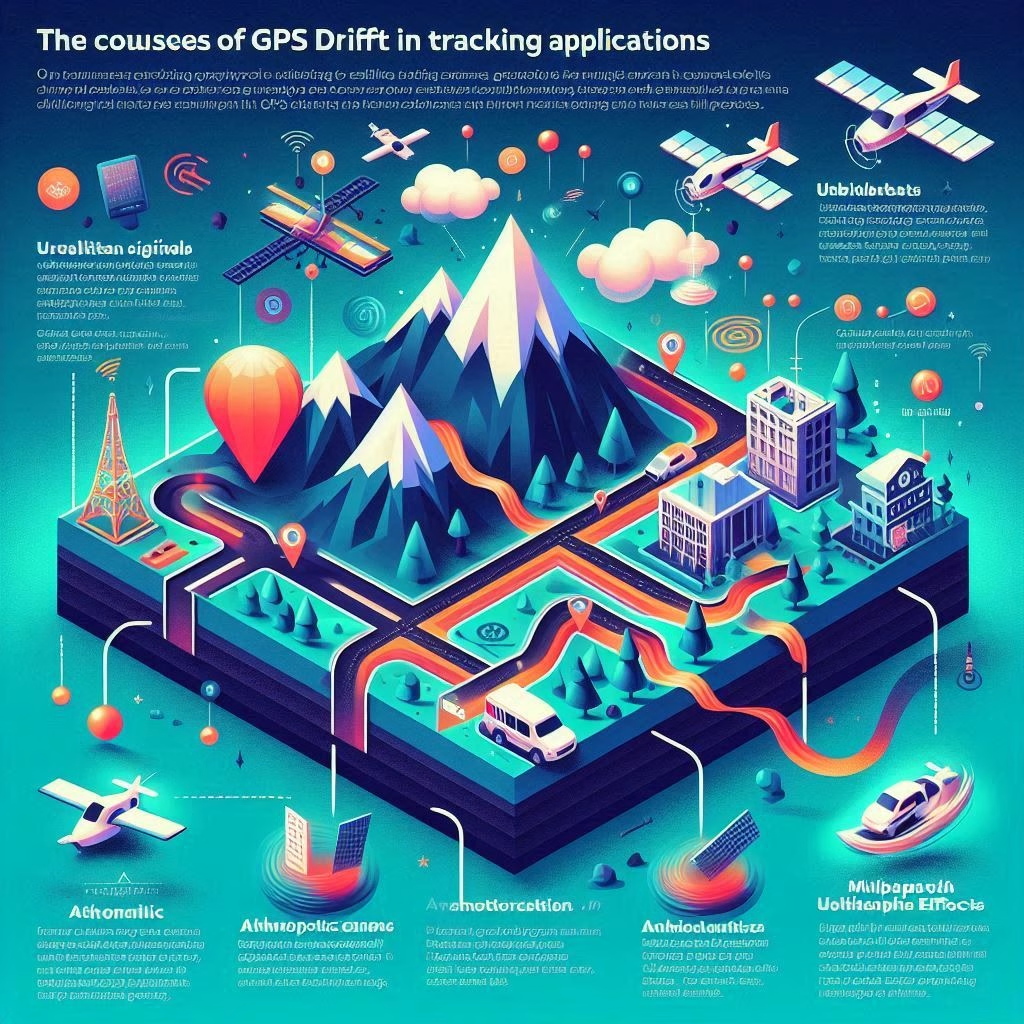
In an era where location-based services power everything from fitness tracking to fleet management, GPS accuracy is no longer a luxury—it’s a necessity. Yet even the most advanced tracking applications can suffer from a frustrating phenomenon known as GPS drift. If you’ve ever watched your location dot wander across a map while standing still, you’ve experienced it firsthand.
This comprehensive guide explores the common causes of GPS drift in tracking applications, blending technical insight with real-world examples to help you understand, anticipate, and minimize inaccuracies. Whether you’re a runner, logistics manager, or app developer, this knowledge is essential for optimizing performance and user trust.

🛰️ What Is GPS Drift?
GPS drift refers to the inaccurate or fluctuating positioning data received from a GPS-enabled device, even when the device is stationary. Instead of showing a fixed location, the GPS signal may “drift” several meters in different directions, creating a zigzag or erratic path on your tracking app.
This phenomenon is not a malfunction—it’s a natural limitation of how GPS works. However, understanding the root causes can help you mitigate their effects and improve the reliability of your tracking data.
📡 1. Signal Interference and Obstruction
The Problem:
GPS signals are radio waves transmitted from satellites orbiting 20,000 km above Earth. By the time they reach your device, they’re incredibly weak—comparable to a 40-watt light bulb viewed from space. This makes them highly susceptible to interference.
Common Interference Sources:
- Tall buildings (urban canyons): Reflect signals, causing multipath errors.
- Dense tree cover: Absorbs and scatters signals.
- Tunnels and indoor environments: Block direct satellite visibility.
- Electronic devices: Emit electromagnetic noise that disrupts signal clarity.
Real-World Impact:
In cities, your GPS path may show you walking through buildings or zigzagging across streets. In forests, your route may appear jagged or incomplete.
🧭 2. Poor Satellite Geometry (GDOP)
The Problem:
GPS accuracy depends on satellite geometry—the spatial arrangement of satellites relative to your device. This is measured by Geometric Dilution of Precision (GDOP). A low GDOP means satellites are well-distributed across the sky, while a high GDOP indicates poor geometry.
Causes of High GDOP:
- Satellites clustered in one part of the sky
- Limited satellite visibility due to obstructions
- Using only one satellite system (e.g., GPS without GLONASS or Galileo)
Real-World Impact:
Even with a clear sky, poor satellite geometry can cause your location to drift or jump unexpectedly.
🌦️ 3. Atmospheric Conditions
The Problem:
GPS signals must pass through the ionosphere and troposphere, where they can be delayed or distorted by:
- Solar activity
- Humidity and temperature gradients
- Storms or heavy cloud cover
Real-World Impact:
While modern GPS systems compensate for most atmospheric effects, extreme weather or solar flares can still introduce errors, especially in remote or high-altitude areas.
📶 4. Device Hardware Limitations
The Problem:
Not all GPS chips are created equal. Budget smartphones or older devices may use low-sensitivity GPS receivers that struggle to maintain accurate fixes.
Hardware Factors That Affect Accuracy:
- Antenna quality and placement
- Processor speed and sensor integration
- Battery-saving modes that throttle GPS performance
Real-World Impact:
Two users standing side by side may see different GPS paths depending on their device quality and settings.
🔄 5. Multipath Errors
The Problem:
When GPS signals bounce off surfaces (like buildings, water, or metal), they take longer to reach your device. This creates multipath errors, where the device calculates your position based on the reflected signal instead of the direct one.
Real-World Impact:
Your tracking app may show you drifting across a river or veering off a trail, even if you’re on a straight path.
📱 6. Software and App-Level Issues
The Problem:
Even with accurate GPS data, poorly optimized tracking apps can introduce drift through:
- Infrequent location updates
- Inaccurate filtering or smoothing algorithms
- Improper handling of sensor fusion (GPS + accelerometer + gyroscope)
Real-World Impact:
Your app may show erratic movement, delayed updates, or incorrect distances—especially during activities like running or cycling.
🧪 7. Satellite Signal Availability and A-GPS Data
The Problem:
Your device relies on Assisted GPS (A-GPS) to download satellite location data via the internet. If this data is outdated or missing, your device may take longer to lock onto satellites or use suboptimal ones.
Real-World Impact:
You may experience slow startup times, inaccurate initial positions, or increased drift until the device reacquires a stable fix.
🧭 8. User Movement and Environmental Dynamics
The Problem:
Sudden changes in speed, direction, or elevation—such as running through a tunnel or driving in a mountainous area—can confuse GPS algorithms, especially if the device relies on sensor fusion.
Real-World Impact:
Your route may show sharp turns, loops, or jumps that don’t reflect your actual movement.
🛠️ How to Minimize GPS Drift
While you can’t eliminate GPS drift, you can take steps to reduce its impact:
✅ Best Practices:
- Start tracking outdoors with a clear view of the sky
- Enable high-accuracy mode in location settings
- Update A-GPS data regularly via Wi-Fi or mobile data
- Use multi-GNSS support (GPS + GLONASS + Galileo)
- Avoid metal cases or magnetic mounts that interfere with signals
- Calibrate your compass and motion sensors
- Keep your app and firmware updated
Pro tip: For critical applications (e.g., surveying, fleet tracking), consider using external GPS receivers with higher sensitivity and real-time correction support (RTK or SBAS).
📊 Summary Table: Causes and Solutions
| Cause | Description | Solution |
|---|---|---|
| Signal Obstruction | Buildings, trees, tunnels block signals | Move to open areas |
| Poor Satellite Geometry | Satellites clustered in one area | Use multi-GNSS systems |
| Atmospheric Interference | Weather and solar activity | Wait for better conditions |
| Hardware Limitations | Low-quality GPS chips | Upgrade the device or use an external GPS |
| Multipath Errors | Reflected signals cause confusion | Avoid reflective surfaces |
| App Issues | Poor update frequency or filtering | Use trusted, updated apps |
| Outdated A-GPS | Old satellite data slows lock-on | Sync device regularly |
| Movement Dynamics | Sudden changes confuse sensors | Calibrate and use smoothing algorithms |
📝 Final Thoughts: Embrace the Limits, Optimize the Experience
GPS drift is a natural byproduct of a complex, space-based technology operating in a dynamic world. But with the right knowledge and tools, you can minimize its impact and maximize your tracking accuracy.
Whether you’re mapping a trail, managing a fleet, or logging your morning run, understanding the common causes of GPS drift in tracking applications empowers you to make smarter choices—and trust your data with greater confidence.


